Using InventoryLab with PrepBusiness
If your client has created an inbound plan in Amazon Seller Central, you can import it into PrepBusiness instead of building the shipment by hand. Start by finding the plan in Seller Central and noting its name or inbound plan ID.
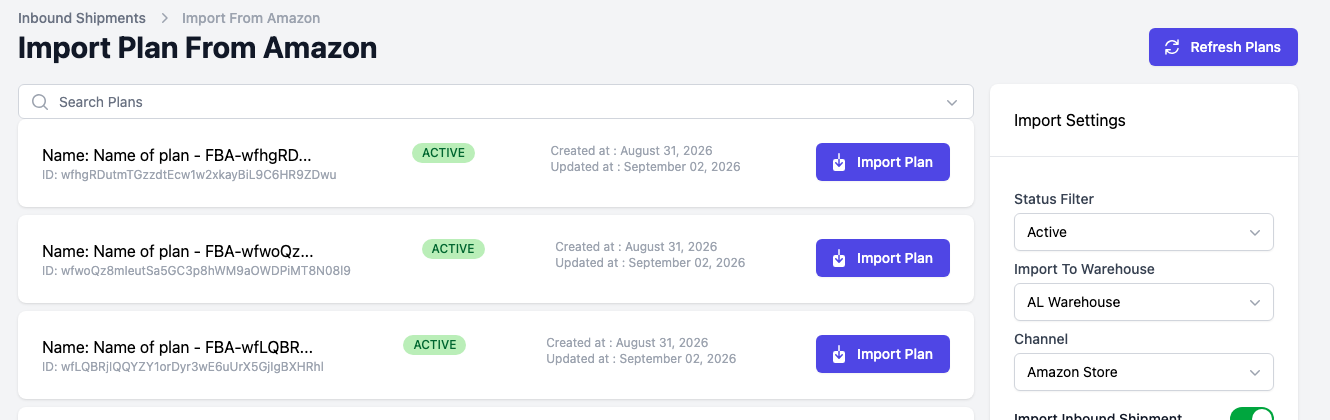
On the Inbound Shipments page select "Import Amazon Shipments" to open the "Import Plan From Amazon" page, then use the "Search Plans" box above the list to find the plan by name or ID. The plans come from the merchant’s connected Amazon channel, so select the merchant first if you have not already. Select "Import Plan" on the one you want.