
Manage Your Subscription and Download Invoices
From the Subscription & Usage page you can open the subscription portal to download invoices, update payment methods, change billing addresses, and view usage history.
Open the Subscription Portal
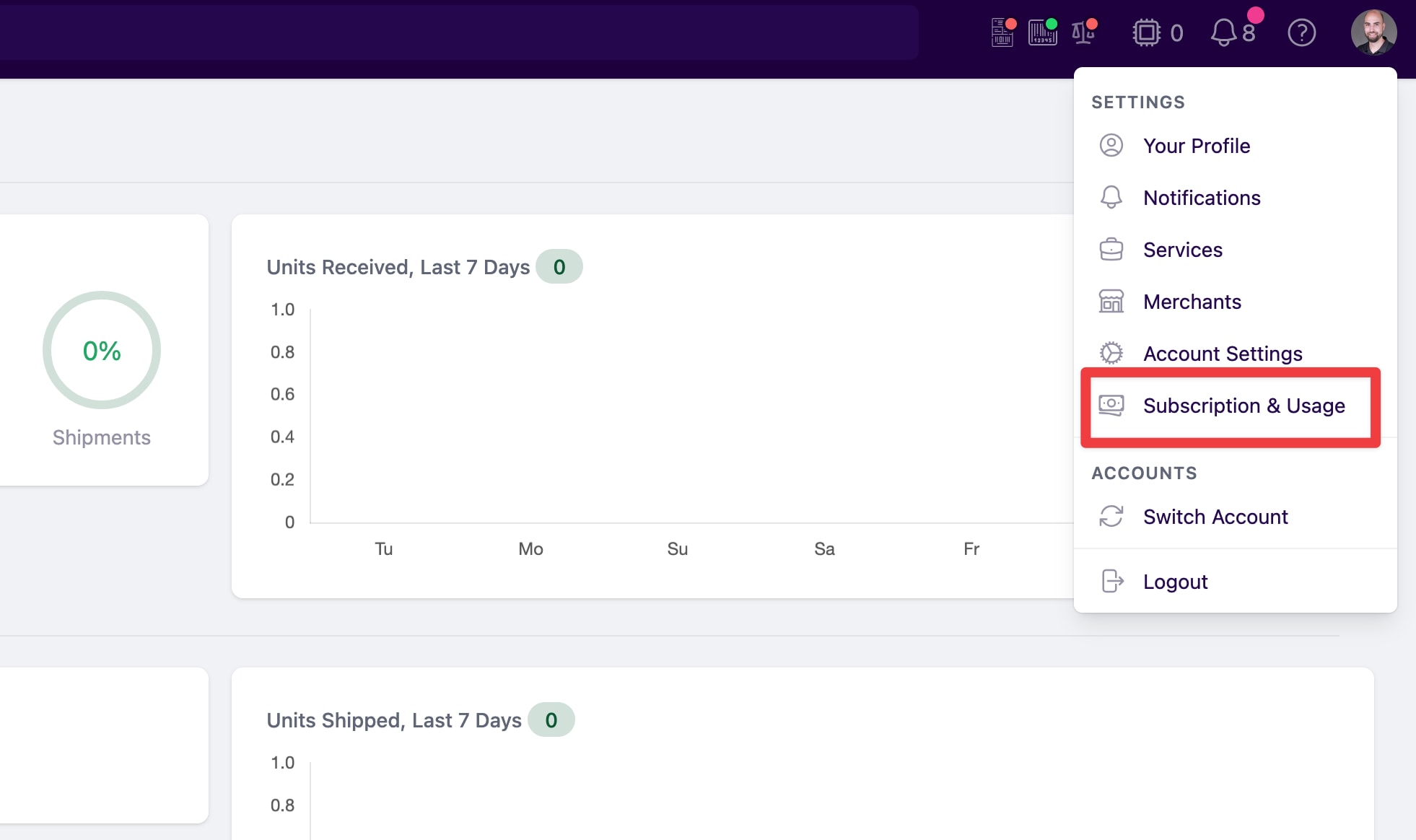
- Click your profile icon in the top-right corner of PrepBusiness.
- Select Subscription & Usage from the settings menu.
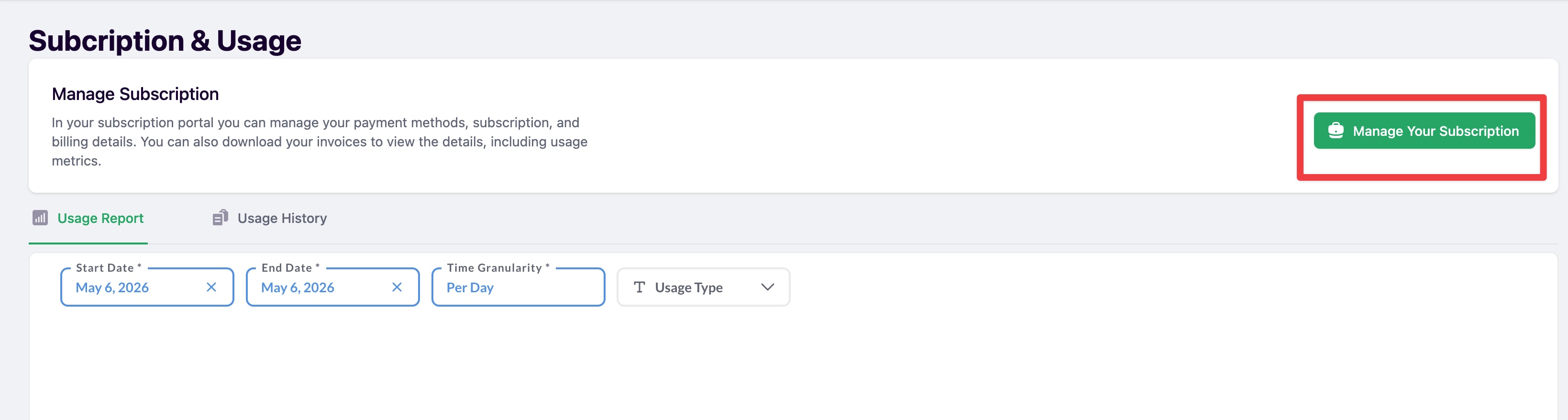
- Click the Manage Your Subscription button.
Download an Invoice
- In the subscription portal, click Billing History.

- Find the invoice you need and click Download.
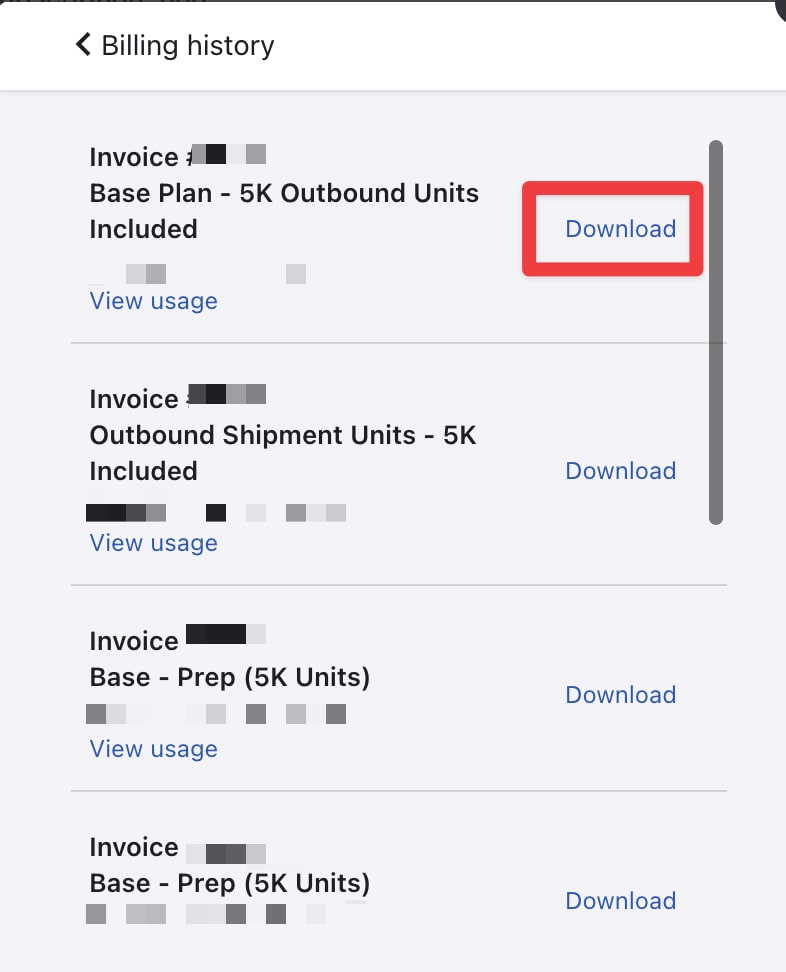
Each invoice also has a View usage link to see a breakdown of the charges included.
Update Payment Methods or Billing Address
Inside the subscription portal you can also update:
- Payment Methods
- Billing & Shipping Addresses
- Account Information